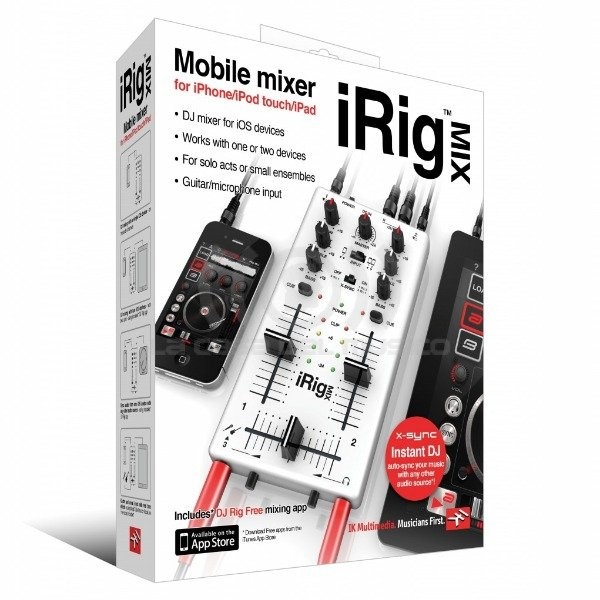
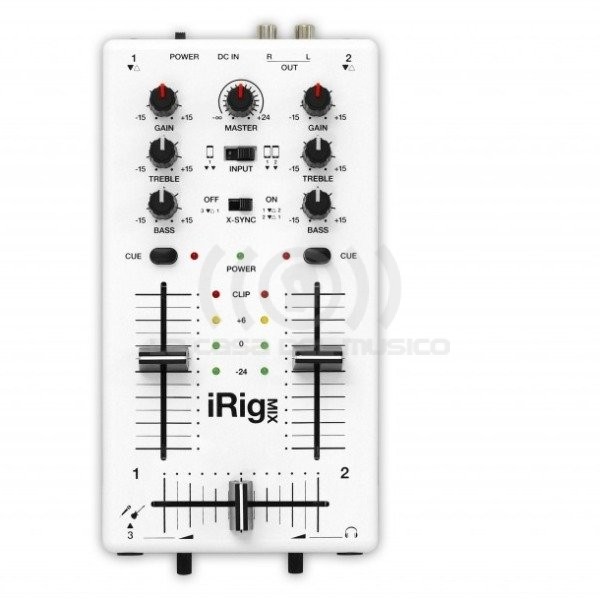
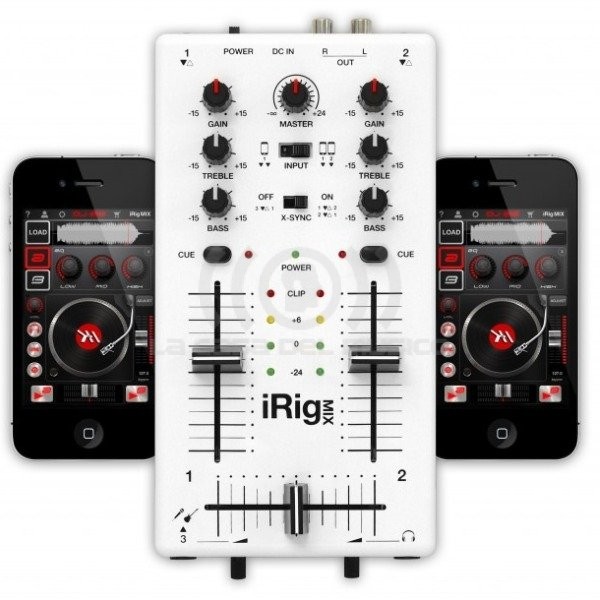
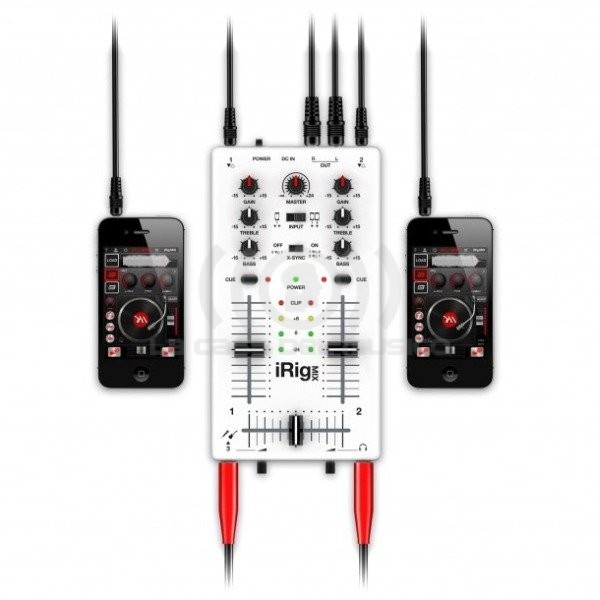
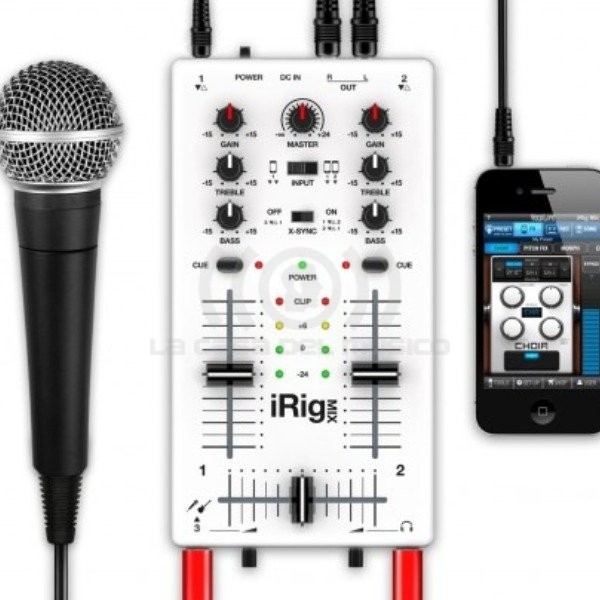


iRig Mix La mezcladora de DJ ultracompacta para iPhone iPod touch iPad Mezcla en todo momento toca en todo lugar con iRig MIX iRig™ MIX es la primera mezcladora móvil para iPhone iPod touch o iPad iRig MIX ofrece los mismos controles que esperarías obtener de cualquier mezcladora de DJ profesional (desvanecedor referencias ecualizadores y controles de volumen etc) en una mezcladora móvil ultra-compacta que se puede usar con una amplia variedad de aplicaciones iOS mezcladoras para DJs Es un completo sistema de DJ para ensayar tocar y grabar El peso ligero y el diseño de iRig MIX permiten transportarlo fácilmente en cualquier estuche de iPad Por primera vez en cualquier mezcladora de DJ iRig MIX se puede usar para mezclar todo tipo de fuentes de audio (desde reproductores mp3 reproductores de CD etc) con dispositivo un iOS que utilice la combinación automática de tiempos y la sincronización de ritmos Esto se logra con X-Sync una función que se combina con la aplicación gratisDJ Rig de IK Multimedia incluida con iRig MIX Specs iRig MIX Controls and Indicators 1 POWER: turn on iRig MIX POWER LED will illuminate 2 GAIN: adjust this control to set the input gain for Channel 1 and 2 3 TREBLE: adjust this control to adjust the high frequencies on Channel 1 or 2 4 BASS: adjust this control to adjust the low frequencies on Channel 1 or 2 5 CUE: press this switch on Channel 1 or 2 depending on which one you want to monitor in your headphones 6 CHANNEL LEVEL SLIDER: move this slider up to increase the volume of Channel 1 or 2 7 CHANNEL CROSSFADER: move this slider to the LEFT to hear Channel 1 on the master outputs or move this slider to the RIGHT to hear Channel 2 on the master outputs 8 CHANNEL 3 LEVEL: this control is used to set the level for a microphone or instrument connected to Channel 3 9 HEADPHONE LEVEL: this control is used to set the headphone volume 10 MASTER LEVEL: use this control to adjust the global iRig MIX output volume 11 MASTER LEVEL LEDS: these LEDs are used to monitor the iRig MIX level of LEFT and RIGHT master output channels 12 INPUT SWITCH: set this switch to the LEFT position (ONE DEVICE) when using the mixer with only ONE iOS device or other music player Set this switch to the RIGHT position (TWO DEVICES) when using the mixer with TWO iOS devices or other music players 13 X-SYNC SWITCH: When used with iOS devices iRig MIX can send audio from device 1 to device 2 and audio from device 2 to device 1 to allow cross-syncing using DJ RIg app When X-SYNC is disabled audio from MIC / Instrument channel 3 input is sent to the iOS device connected on channel 1 for processing with an app like AmpliTube or VocaLive
Brand
IK Multimedia
Productos relacionados